
Codes
Redeem Community Codes, Exclusive Shop cash packs, and group-chest cash in this Roblox kart game. September 2026 Roblox wiki.
View all CodesRoblox codes, car builds, skills, and boss timers for Build and Kill Zombies.
Build armed karts, crush zombie waves, and farm cash in this Roblox sandbox. Codes, builds, and event walkthroughs.
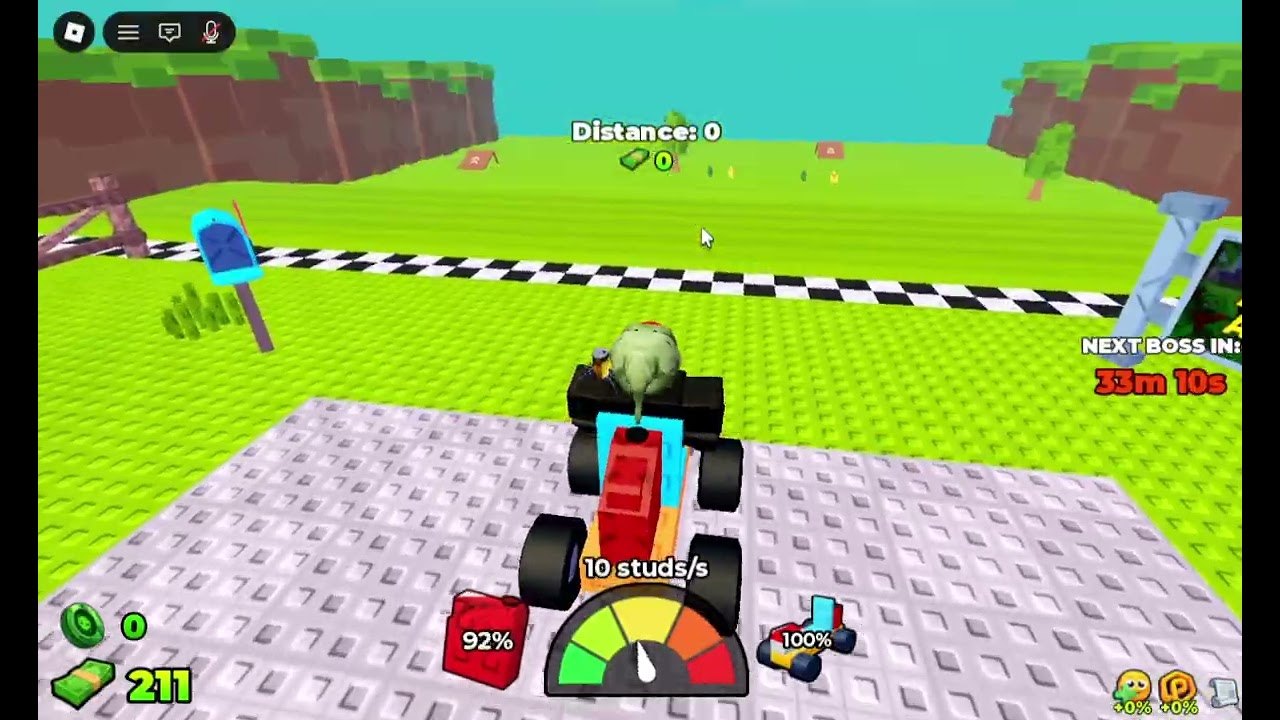
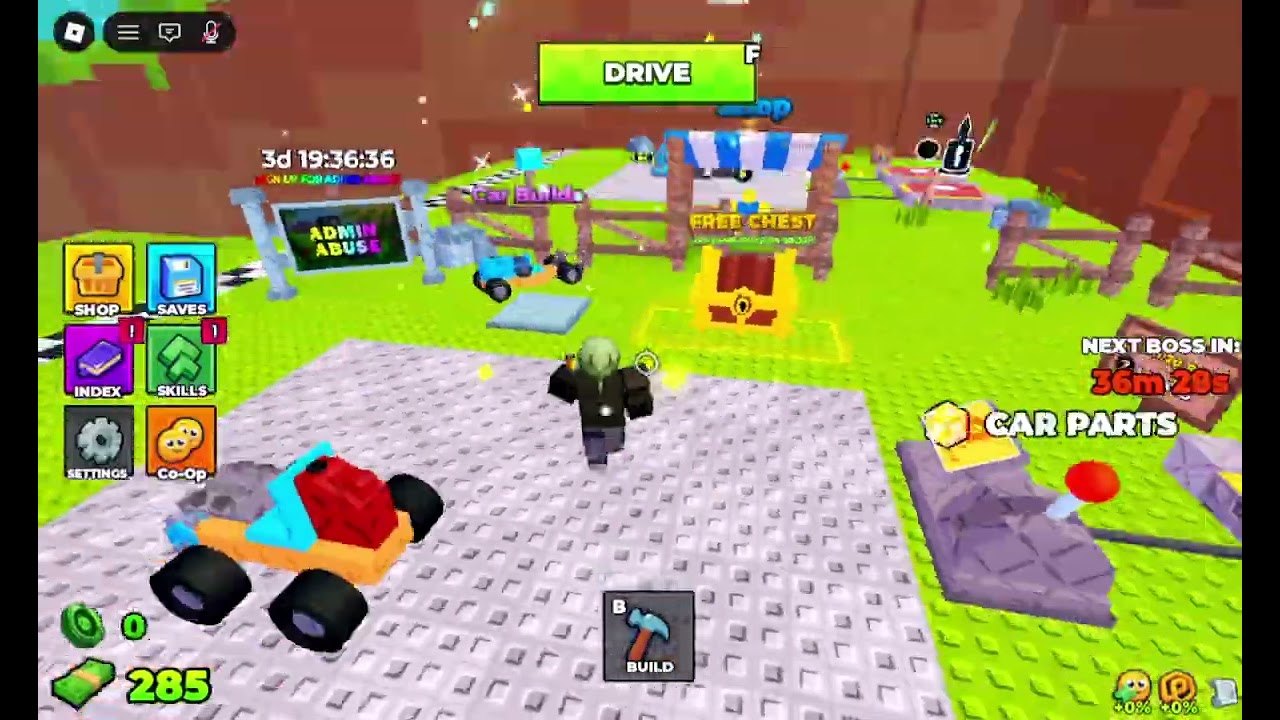
Build and Kill Zombies is a Roblox sandbox from the **Zombie Car Crusher** group. You snap blocks onto a kart, press **DRIVE**, and farm cash by ramming green zombies on a checkered tropical track. The lobby pad holds Shop, Saves, Index, Skills, Settings, and Co-Op. A **NEXT BOSS IN** timer sits on the right, a **FREE CHEST** sits in the grass, and Car Parts / Support stands sell the next upgrade. Start with the beginner guide, claim codes, then copy a car build.
Redeem Community Codes, Exclusive Shop cash packs, and group-chest cash in this Roblox kart game. September 2026 Roblox wiki.
View all CodesBeginner Drive, plow builds, cash routes, F/B controls, and boss-timer prep for Build and Kill Zombies. September 2026 Roblox wiki.
View all GuidesRanked plows, kart archetypes, and Skills picks for surviving Drive loops in Build and Kill Zombies. September 2026 Roblox wiki.
View all TiersSkills, zombie types, Car Parts, and Supports rolls explained for Build and Kill Zombies on Roblox. September 2026 Roblox wiki.
View all WeaponsLaunch date, Hacker Event 2026, Admin Abuse boards, and live patch notes for Build and Kill Zombies. September 2026 Roblox wiki.
View all UpdatesAuto farm, auto turbo, auto roll, and auto boss toggles circulating for Build and Kill Zombies. September 2026 Roblox wiki.
View all ScriptsBuild planner, cash checklist, and pre-boss HUD checks for Build and Kill Zombies on Roblox. September 2026 Roblox wiki.
View all ToolsOfficial Roblox page, Zombie Car Crusher group, and trusted wiki hubs for Build and Kill Zombies. September 2026 Roblox wiki.
View all LinksOpen the Exclusive Shop, redeem any live Community Codes, then grab the group chest after you like the game and join Zombie Car Crusher.
Press **B** for Build on the lobby pad. Follow the car build guide so the first Drive does not snap in half on the checkered line.
Hit **DRIVE** (F), ram zombies, watch Distance and studs/s, then write the kart into **Saves**. The cash farm page covers short loops versus boss waits.
Ignore cosmetics until the weapons tier and skills say the next purchase actually keeps the kart alive.
The HUD shows **NEXT BOSS IN**. Read the Hacker Event / boss guide before Admin Abuse or King 1x1x1x1 windows.
Quick answers for lobby, Drive, codes, and boss timers.
Redeem codes, take the group chest, then follow getting started before your first long Drive.
No. This is a fan-made Roblox wiki. Confirm codes and events on the official links page and the Zombie Car Crusher group.
This wiki is in English, Français, Deutsch, Español, and Português (BR). Use the two-letter language button in the header. Legal pages stay in English for every language.
Yes. Servers hold up to five players and the lobby has a Co-Op button. Online co-op is the intended way to share a pad and a Drive.
The Roblox experience launched on 19 August 2026 and still receives live updates, including the Hacker Event 2026 badges.
The Exclusive Shop Community Codes row. The UI tells you to join the social-link community; this wiki tracks working strings on the Codes Hub.
Build a plow that lasts, spend codes on parts not cosmetics, and be parked before the boss timer hits zero. Start with the beginner guide or jump to codes and the tier list.
Open the beginner guide